Drop Order (By Pre-Allotment Synchronization)
Prerequisites
- The order is in an allowed status, such as non approved or unconfirmed.
- The issuer is already in the pre-allotment stage.
- The Administrator has Drop Order access rights.
Usage Steps
- Log in as an Administrator.
- Click the settings menu.

- Select a synchronization from the list.
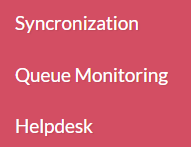
- Select the Pre-Allotment, insert list of ticker code (separates by comma dots ;)
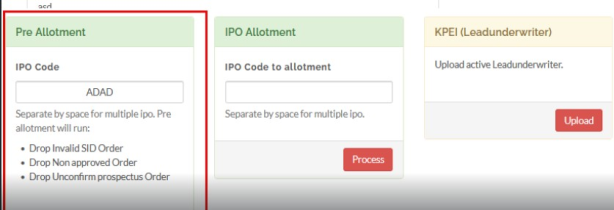
- Click proccess to confirm .
Expected Result
- The order status changes according to the drop order process, and the activity is recorded for audit purposes.
Created with the Personal Edition of HelpNDoc: Modernize your help files with HelpNDoc's WinHelp HLP to CHM conversion tool