View Order Index
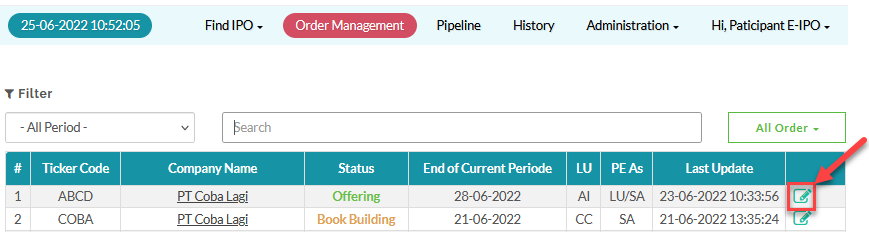
To view the order index for a pipeline, from the Page Menu:
- Go to Order Management.
- Select IPO > View
 .
.
 On the Order Management page, you can hide and show columns by selecting the column names in the Toggle Column Selection menu.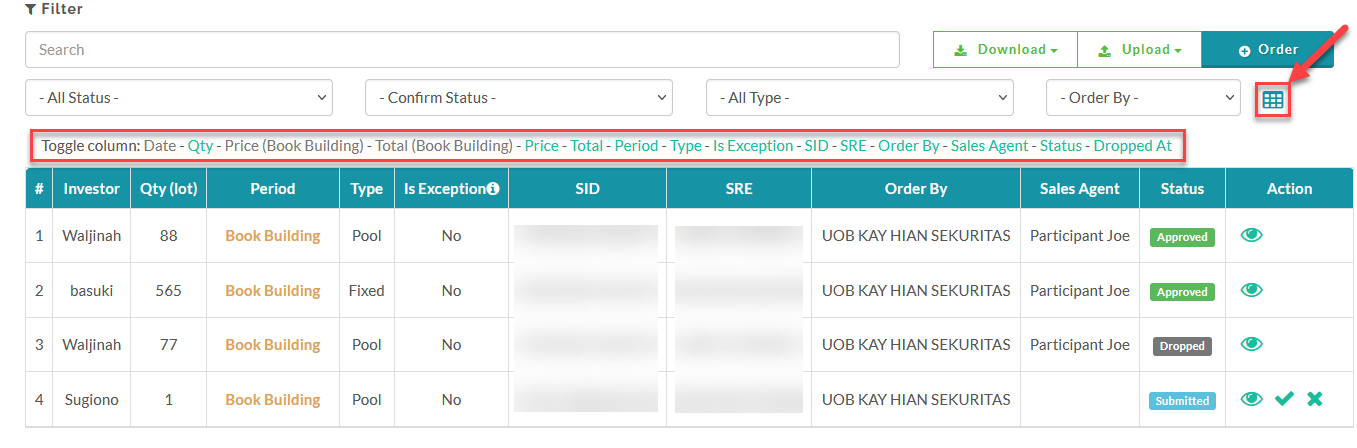
To see how to create an order, click here.
Created with the Personal Edition of HelpNDoc: Don't be left in the past: convert your WinHelp HLP help files to CHM with HelpNDoc