Export Users
You can export the user list into a Microsoft Excel file. To export the list, from the Page Menu:
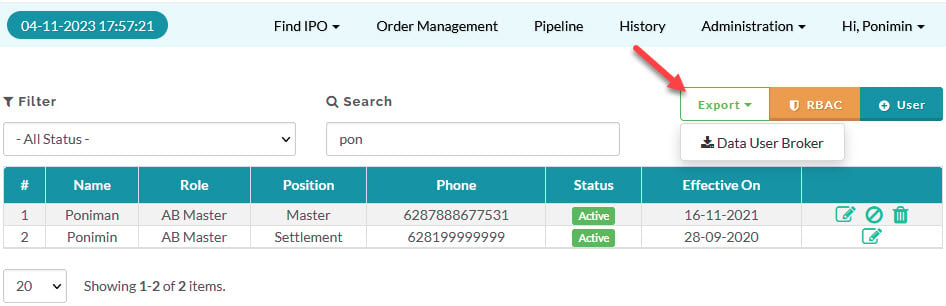
- Go to Administration > User.
- Click the Export menu and click Data User Broker.
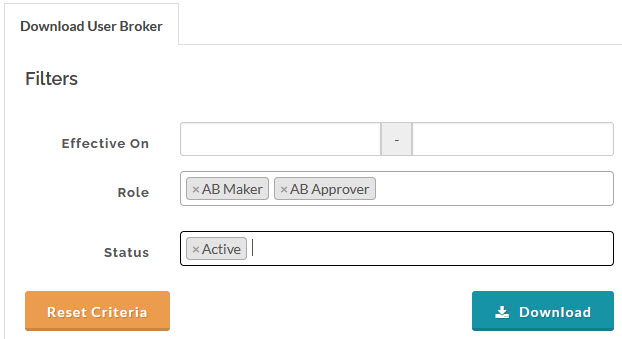
- You can filter the data to export by specifying the criteria, click download button to export the file.
Created with the Personal Edition of HelpNDoc: Streamline Your Documentation Creation with a Help Authoring Tool