Find IPO
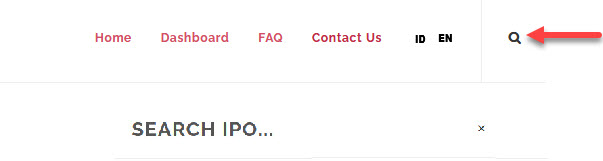
To find an IPO or browse through the IPO list, from the Page Menu input ticker code or the issuer company name, use the Search Box located at the top right-hand corner.
Or you can browse through the IPO list:
- Go to Find IPO.
- Select the IPO you want to view > More Info.
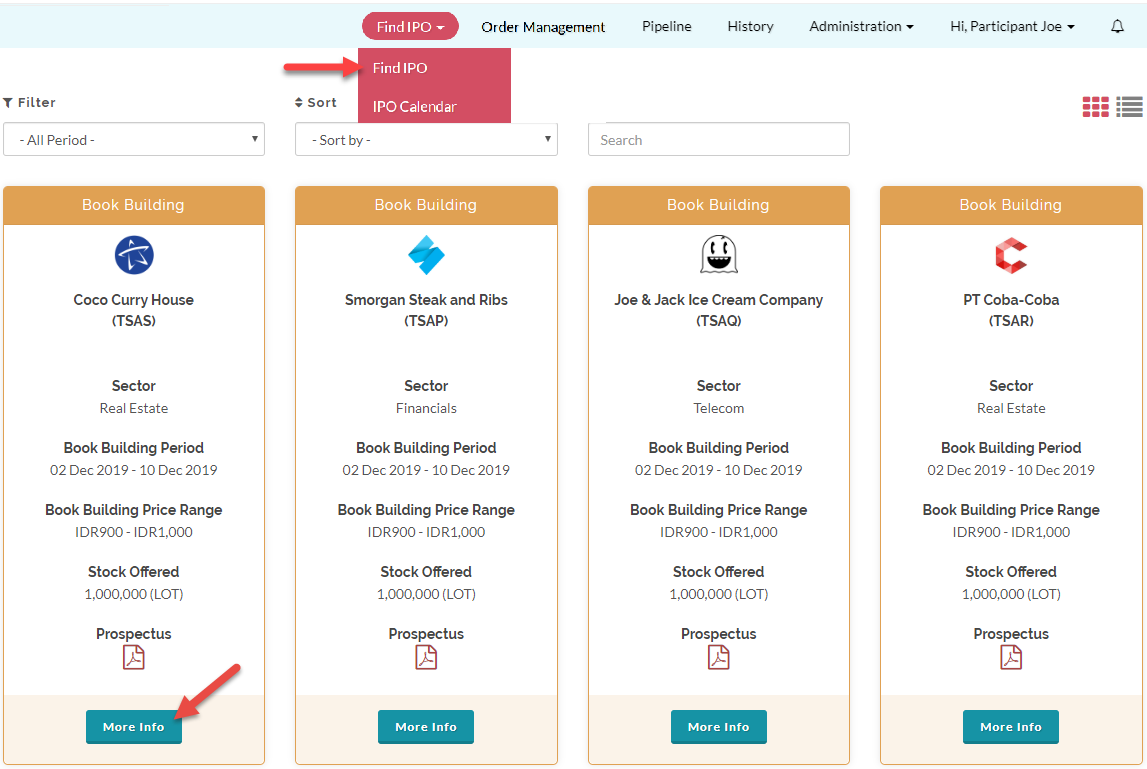
You can also Filter, Sort, and Search the IPOs on the IPO list.
Created with the Personal Edition of HelpNDoc: Create help files for the Qt Help Framework