Show/Hide Footer Contact Info
For user with Administrator role only.
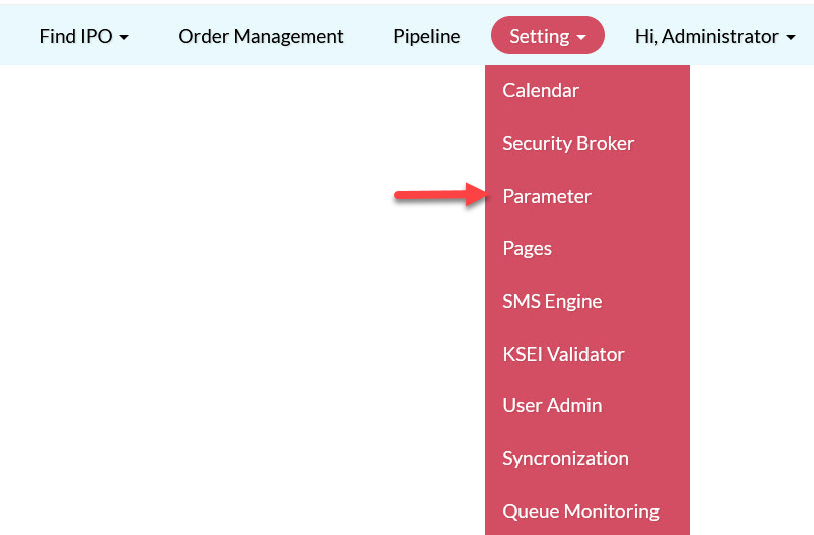
To show or hide the Footer Contact Info, from the Page Menu:
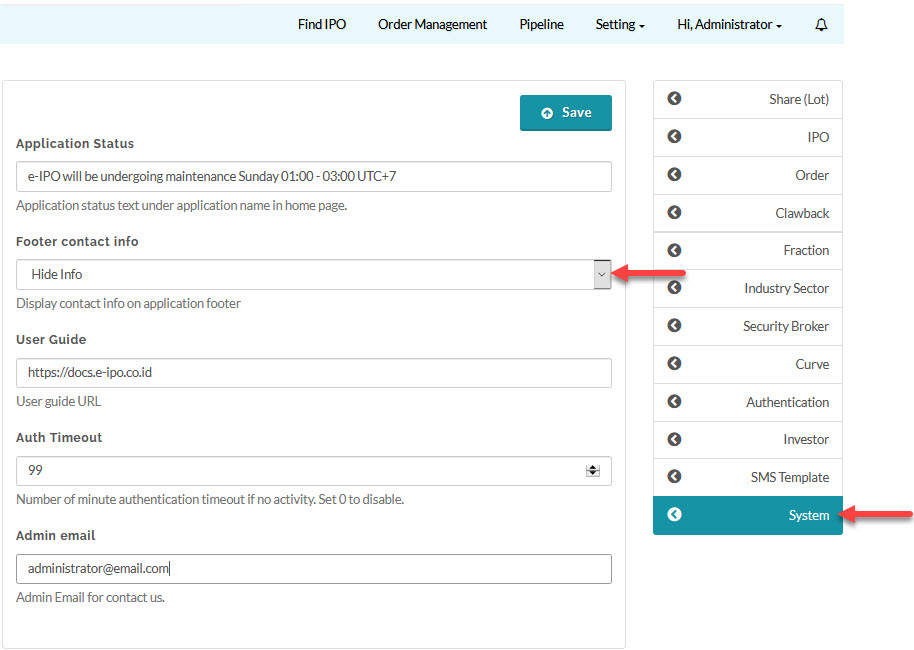
- Go to Setting > Parameter > System.
- Select show/hide Footer contact info and click Save.
Appearance on the Footer:
|
Show
|
Hide Info
|


Created with the Personal Edition of HelpNDoc: Create iPhone web-based documentation