View Allocated Order
To view the allocated orders of a closed pipeline, from the Page Menu:
- Go to Order Management.
- Select IPO > Allocated Order
 .

- Select Group By or the AB filter as needed.
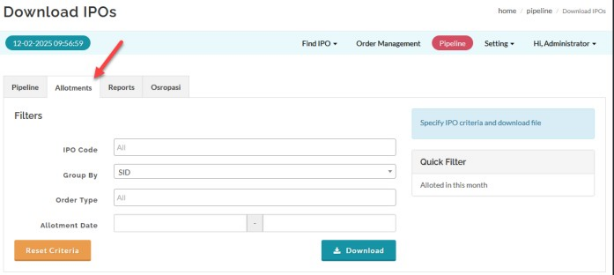
- Select the order type and allotment quantity range if required.
- Click Download.
Expected Result
- The allocated order data is downloaded according to the selected AB filter/grouping.
Created with the Personal Edition of HelpNDoc: Transform Your Documentation Process with HelpNDoc's Project Analyzer